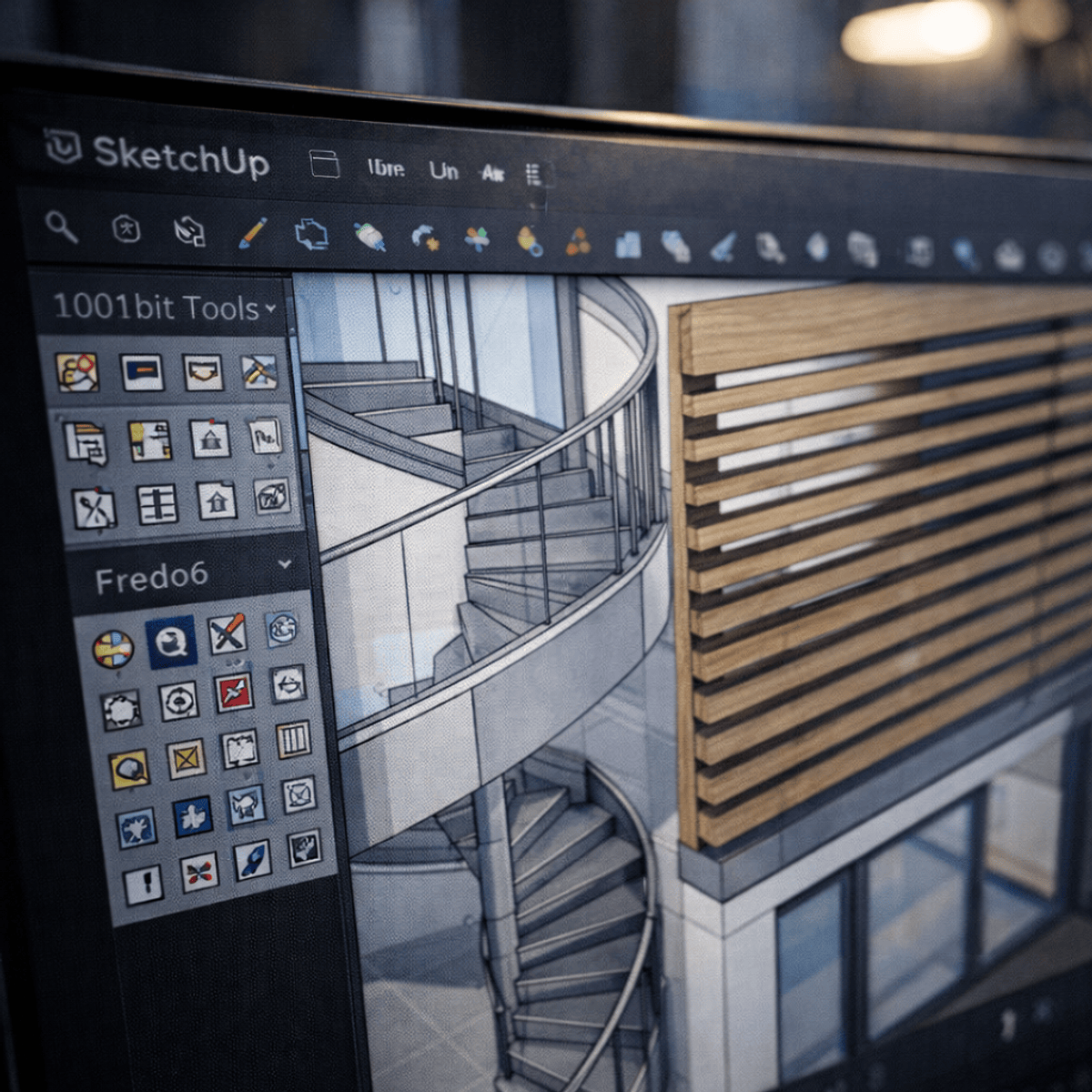
Apply SketchUp Plugins to Build 3D Architectural Models
coursera · Desarrollo · en
Impartido por EDUCBA
Precio no disponible en esta plataforma
Entra en tu cuenta para guardar este curso y volver a él cuando quieras.
Comparar este cursoEnlace de afiliado: podemos cobrar comisión, sin coste extra para ti. Más información
Descripción
Learners will analyze architectural modeling requirements, apply SketchUp plugins, construct core building elements, and refine 3D architectural models using professional workflows. This course enables learners to develop practical skills for creating complete, detailed architectural models through a guided, project-based case study. Throughout the course, learners work on a real-world architectural project, starting from project understanding and plugin setup to advanced modeling and finishing techniques. The course emphasizes the effective use of plugins such as 1001 BT tools and Fredo6, allowing learners to model walls, windows, staircases, doors, louvers, grills, roofing systems, and refined edge details with accuracy and efficiency. What makes this course unique is its hands-on, case-study-driven approach, where every concept is applied directly to a single architectural model rather than taught in isolation. Learners gain workflow-oriented skills that mirror professional architectural modeling practices, making the course ideal for beginners and intermediate SketchUp users seeking practical, job-ready experience. By the end of the course, learners will be able to confidently build, detail, and refine complete 3D architectural models using optimized plugin-based techniques in SketchUp.